
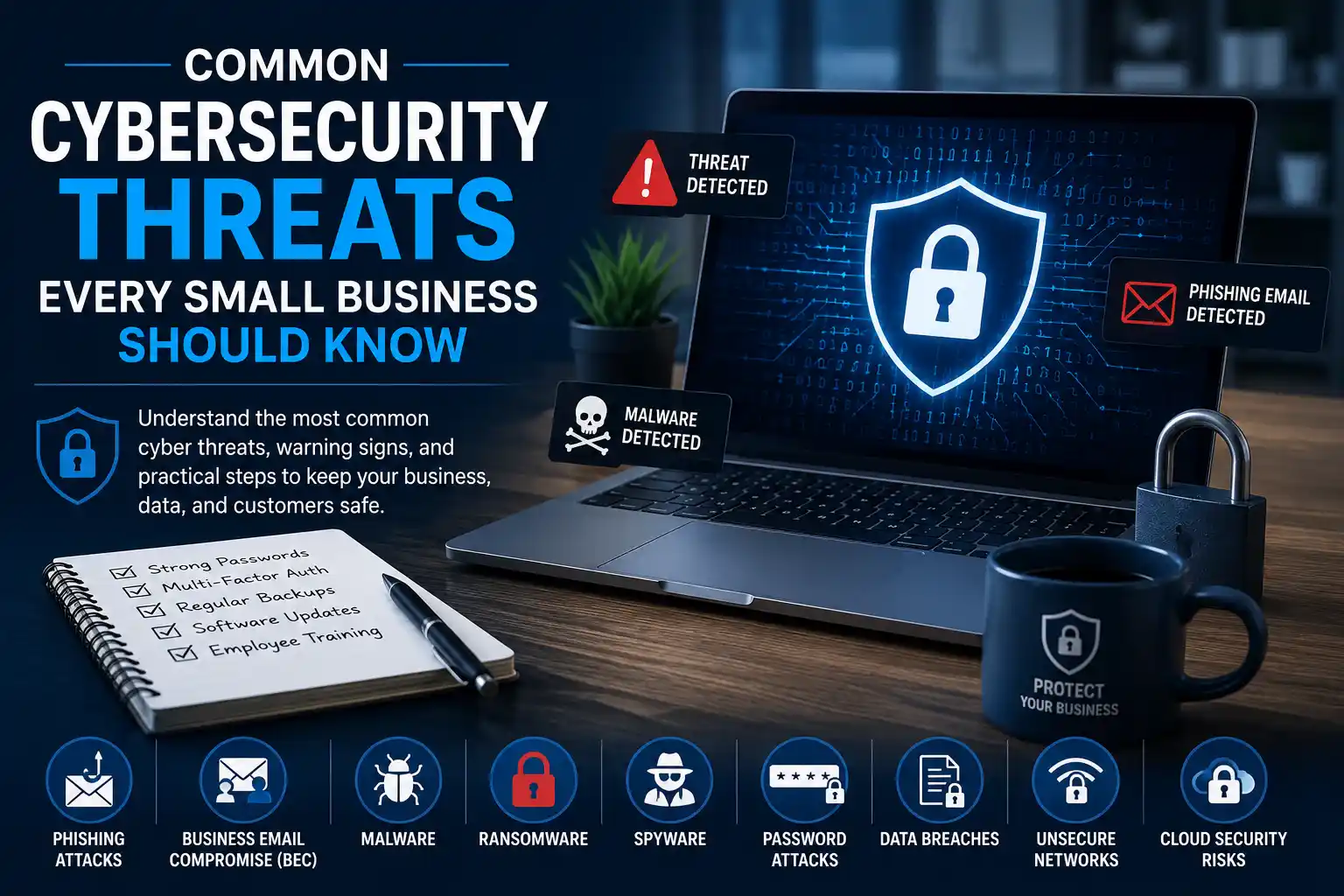
Common Cybersecurity Threats Every Small Business Should Know 2026
Small businesses are no longer too small to notice. Attackers often see limited security budgets, outdated software, and untrained staff as an easier path in than a large enterprise with a dedicated security team. This article covers the threats small business owners are most likely to face, why these businesses are frequently targeted, and practical steps that can meaningfully reduce risk without an enterprise-sized budget.
What Are Cybersecurity Threats, Exactly?
A cybersecurity threat is any action or event that could compromise the confidentiality, integrity, or availability of a business’s data, devices, or systems. This can include a criminal trying to steal customer payment information, a piece of malicious software silently copying files, or even an employee accidentally clicking a bad link. Threats can be technical (malware, hacking) or human (social engineering, careless password habits), and often the most damaging incidents combine both.
Understanding the categories of threats is the first step toward building defenses that actually match how attacks happen in practice.
Why Small Businesses Are Attractive Targets
It’s a common misconception that cybercriminals only target large corporations. In reality, small businesses are frequently targeted for a few practical reasons:
- Fewer defenses. Many small businesses lack dedicated IT security staff, formal policies, or advanced monitoring tools.
- Valuable data, weaker protection. Small businesses often hold customer payment details, personal information, and banking access — attractive to criminals — while typically having weaker safeguards than larger firms.
- Gateway to bigger targets. Small vendors connected to larger companies can be used as a stepping stone in what’s known as a supply chain attack.
- Limited recovery capacity. A single serious incident, such as ransomware or a data breach, can be more disruptive for a small business than for a large one with more resources to absorb the loss.
Organizations such as the Cybersecurity and Infrastructure Security Agency (CISA) regularly highlight small and mid-sized businesses as a segment that benefits significantly from adopting basic cyber hygiene, precisely because the barrier to meaningful improvement is often low.
Common Types of Cyberattacks
Phishing Attacks
Phishing is one of the most common ways attackers gain initial access to a business. It typically involves a fraudulent email, text message, or website designed to trick someone into revealing login credentials, financial information, or installing malware. Phishing messages often impersonate a trusted brand, vendor, or coworker, and usually create urgency (“Your account will be suspended,” “Invoice overdue”) to prompt a quick, unthinking click. A more targeted version, known as spear phishing, is aimed at a specific person or organization and often uses details about the target to appear more convincing.
Business Email Compromise (BEC)
Business Email Compromise is a more targeted and often costlier variant of phishing. In a typical BEC scam, an attacker either gains access to a legitimate business email account or spoofs one closely, then sends convincing messages — often to finance staff — requesting wire transfers, gift card purchases, or changes to vendor payment details. Because these messages can appear to come from a real executive or supplier, BEC attacks can be harder to spot than generic phishing and can result in direct financial loss.
Malware
Malware is a broad term for malicious software designed to damage, disrupt, or gain unauthorized access to a system. It includes viruses, worms, trojans, and other harmful programs, commonly delivered through infected attachments, compromised downloads, or malicious websites.
Ransomware
Ransomware is a particularly damaging type of malware that encrypts a victim’s files, making them inaccessible until a ransom is paid — typically in cryptocurrency. CISA and many law enforcement agencies generally discourage paying ransoms because payment does not guarantee data recovery and may encourage further criminal activity. However, organizations should evaluate incidents with appropriate legal, cybersecurity, and incident response professionals.
Spyware
Spyware secretly monitors user activity, often capturing keystrokes, browsing habits, or login credentials without the user’s knowledge. It can be bundled with seemingly legitimate downloads or installed through a phishing link, and typically operates quietly, making it harder to detect than more disruptive malware like ransomware.
Password Attacks
Password attacks target the login credentials that protect business accounts and systems. Weak, reused, or easily guessed passwords remain one of the most exploited weaknesses in small business security.
Credential Stuffing
Credential stuffing occurs when attackers use lists of usernames and passwords leaked from previous data breaches to try logging into other, unrelated accounts. Because many people reuse passwords across multiple services, a breach at one company can lead to unauthorized access elsewhere.
Brute-Force Attacks
A brute-force attack involves systematically trying many password combinations until the correct one is found, often using automated tools. Accounts protected only by short or simple passwords are especially vulnerable to this method.
Social Engineering
Social engineering refers to manipulation tactics that exploit human psychology rather than technical vulnerabilities. This can include phishing, but also phone-based scams (sometimes called “vishing”), impersonating a delivery person or technician to gain physical access, or pretending to be IT support to extract login details. Social engineering succeeds because it targets trust and urgency rather than software flaws.
Insider Threats
Not all threats come from outside the organization. Insider threats involve current or former employees, contractors, or partners who misuse their legitimate access — sometimes maliciously, but often accidentally, such as mishandling sensitive data or falling for a scam. Clear access controls and offboarding procedures (removing access promptly when someone leaves) can help reduce this risk.
Weak Wi-Fi Security
An unsecured or poorly configured business Wi-Fi network can give attackers an easy entry point. Common issues include using outdated encryption standards, keeping default router passwords, or failing to separate guest Wi-Fi from the main business network.
Public Wi-Fi Risks
Employees who connect to public Wi-Fi — at a coffee shop, airport, or co-working space — without a secure connection method may expose business data to interception, since public networks are often unencrypted or poorly secured. Using a virtual private network (VPN) when working on public Wi-Fi is a commonly recommended precaution.
Fake Software Updates
Attackers sometimes disguise malware as legitimate software update prompts, tricking users into installing malicious code under the guise of a routine update. This is why software should generally only be updated through official vendor channels or built-in update mechanisms, not pop-up prompts encountered while browsing.
Supply Chain Attacks
A supply chain attack targets a business indirectly by compromising a vendor, supplier, or software provider it relies on. Because small businesses often connect to larger partners’ systems or use shared software tools, a vulnerability anywhere in that chain can potentially affect every business connected to it.
Cloud Security Risks
As more small businesses move data and operations to cloud platforms, misconfigured storage, weak access controls, or unclear shared responsibility between the business and provider can lead to exposed data. Major cloud providers, including Microsoft and Google, publish shared responsibility guidance clarifying which security tasks fall to the provider and which remain the customer’s responsibility.
Mobile Device Threats
Smartphones and tablets used for business purposes can be lost, stolen, or infected with malicious apps, particularly when downloaded from unofficial app stores. Devices without screen locks, encryption, or remote-wipe capability pose a heightened risk if lost.
Data Breaches
A data breach occurs when sensitive information — customer records, financial data, employee details — is accessed or disclosed without authorization. Breaches can result from hacking, lost devices, insider mistakes, or vendor failures, and often carry reputational and regulatory consequences beyond direct financial cost.
Website Vulnerabilities
Business websites, especially those built on common content management systems, can contain vulnerabilities if plugins, themes, or core software aren’t kept up to date. Modern websites should also use TLS 1.2 or TLS 1.3 for secure connections, since the older SSL protocol has been deprecated. The Open Web Application Security Project (OWASP) maintains a widely referenced list of common web application security risks that many developers use as a baseline for secure coding.
DDoS Attacks
A Distributed Denial-of-Service (DDoS) attack floods a website or online service with overwhelming traffic, making it slow or unavailable to legitimate users. For e-commerce businesses, even a short outage during peak sales periods can translate into lost revenue and customer trust.
Third-Party Software Risks
Businesses often rely on third-party plugins, apps, and integrations to run daily operations. Each additional piece of software can introduce its own vulnerabilities, especially if it is no longer maintained or updated by its developer. Reviewing and limiting third-party software to only what’s genuinely needed is a practical way to reduce this exposure.
AI-Assisted Cyber Threats
Security researchers and organizations, including CISA and major technology companies, have publicly noted that generative AI tools can be used by attackers to write more convincing phishing emails, generate malicious code snippets more quickly, or create realistic fake content. While this is an evolving area, the practical takeaway for small businesses remains largely the same: phishing emails may look more polished and personalized than before, so verifying unusual requests through a separate channel remains a sound practice regardless of how convincing a message appears.
Common Warning Signs of an Attack
Recognizing early warning signs can limit damage. Signs that may indicate a security incident include:
- Unexpected password reset emails or login alerts
- Files that suddenly become inaccessible or renamed with unfamiliar extensions
- Unusually slow devices, systems, or network performance
- Unfamiliar programs or browser extensions appearing without explanation
- Employees receiving replies to emails they never sent
- Unexpected pop-ups demanding payment or urgent action
- Customers reporting suspicious emails claiming to be from the business
Common Cybersecurity Mistakes Small Businesses Make
- Relying on default passwords. Routers, software, and devices often ship with default credentials that are publicly known and rarely changed.
- Treating security as a one-time setup. Threats evolve, so a configuration adequate a year ago may no longer be sufficient.
- Skipping employee training. Technical defenses can be undermined by a single untrained click on a phishing link.
- Delaying software updates. Postponing updates leaves known vulnerabilities open longer than necessary.
- No formal backup strategy. Without regular, tested backups, ransomware or hardware failure can mean permanent data loss.
- Overlooking mobile devices. Phones and tablets used for work are sometimes excluded from the same policies applied to computers.
- Ignoring third-party access. Vendors, contractors, and apps with system access are often not reviewed regularly.
- No incident response plan. Without one, businesses may lose valuable time deciding what to do during an actual incident.
Cybersecurity Best Practices
Employee Cybersecurity Awareness
Since many attacks begin with human error, ongoing awareness training is one of the most cost-effective defenses available. This can include periodic training sessions, simulated phishing tests, and simple, clear guidance on reporting suspicious messages without fear of blame.
Multi-Factor Authentication (MFA)
MFA requires a second form of verification — such as a code sent to a phone or generated by an authenticator app — in addition to a password. Microsoft and CISA both recommend MFA as one of the most effective ways to reduce unauthorized account access, making it one of the higher-impact, lower-cost security measures available.
Password Managers
A password manager generates and stores strong, unique passwords for every account, removing the need to memorize or reuse passwords. This directly reduces the risk posed by credential stuffing and brute-force attacks.
Regular Software Updates
Keeping operating systems, applications, plugins, and firmware updated ensures that known vulnerabilities are patched promptly. Where possible, enabling automatic updates reduces the chance of this step being overlooked.
Data Backup Strategy
A sound backup strategy typically follows the widely referenced “3-2-1” approach: at least three copies of data, stored on two different types of media, with one copy kept off-site or offline. Regularly testing that backups can actually be restored is just as important as creating them.
Antivirus and Endpoint Protection
Antivirus and endpoint protection software help detect and block malware before it can cause damage. Modern endpoint protection tools often go beyond traditional antivirus by monitoring for suspicious behavior across all connected devices, not just scanning for known malware signatures.
Firewall Basics
A firewall acts as a barrier between a trusted internal network and untrusted external networks, filtering traffic based on security rules. Both hardware firewalls (protecting the whole network) and software firewalls (protecting individual devices) play a role in a layered security approach.
Incident Response Planning
An incident response plan outlines what to do when a security incident occurs: who to notify, how to contain the issue, how to communicate with customers if needed, and how to restore normal operations. NIST publishes widely referenced guidance on incident handling that many organizations use as a foundation for building their own response plans, scaled to their size and needs.
Cybersecurity Checklist for Small Businesses
- Enable multi-factor authentication on all critical accounts
- Use a password manager and enforce strong, unique passwords
- Keep all software, plugins, and operating systems updated
- Maintain regular, tested data backups following the 3-2-1 approach
- Install reputable antivirus or endpoint protection on all devices
- Configure firewalls on both the network and individual devices
- Secure business Wi-Fi with strong encryption and a separate guest network
- Use a VPN when connecting to public Wi-Fi
- Limit and regularly review third-party and vendor access
- Provide regular employee cybersecurity awareness training
- Create and periodically test an incident response plan
- Apply the same security policies to mobile devices as to computers
Frequently Asked Questions
What is the most common cybersecurity threat facing small businesses?
Phishing is generally considered one of the most common starting points for cyberattacks against small businesses, since it exploits human trust rather than requiring a technical vulnerability.
Can small businesses really be targeted by hackers, or is that only a risk for large companies?
Small businesses are frequently targeted precisely because they often have fewer defenses in place than larger companies, while still holding valuable customer and financial data.
What is the difference between malware and ransomware?
Malware is a broad category of malicious software, while ransomware is a specific type of malware that encrypts files and demands payment for their release.
Is multi-factor authentication really necessary for a small business?
Yes — MFA is widely regarded by security organizations and major technology providers as one of the most effective, low-cost ways to prevent unauthorized account access, even if a password is compromised.
How often should a small business back up its data?
Backup frequency depends on how often data changes, but many businesses back up critical data daily, following the 3-2-1 backup approach for added resilience.
What should an employee do if they suspect a phishing email?
Employees should avoid clicking any links or attachments, report the message to whoever manages IT or security within the business, and verify unusual requests through a separate communication channel before acting on them.
Do small businesses need a dedicated IT security team?
Not necessarily. Many small businesses manage security effectively through a combination of good foundational practices, reputable security software, and, where needed, outside IT support or consultants rather than a full in-house team.
How can a small business start improving its cybersecurity without a large budget?
Starting with free or low-cost foundational steps — enabling MFA, using a password manager, keeping software updated, and training employees to recognize phishing — can meaningfully reduce risk before any significant investment in additional tools.
Final Thoughts
Cybersecurity for small businesses doesn’t have to mean matching the budget or complexity of a large enterprise security program. Most of the threats outlined here — phishing, weak passwords, outdated software, and untrained staff — can be meaningfully addressed through consistent, foundational practices rather than expensive tools alone. Building this kind of layered defense, and revisiting it regularly as threats evolve, is generally one of the most practical ways a small business can protect its data, its customers, and its long-term reputation.